Start without an account
No account to create. Choose an external save destination on first launch, then start building your specimen room.
 Orimiora
A collection journal for mineral & gem lovers
A gem-show discovery. A long-treasured crystal. Give each stone a place, with photos, origins, and the memories that make it yours.
View on the App StoreiPhone & iPad · iOS / iPadOS 18 or later
No account required
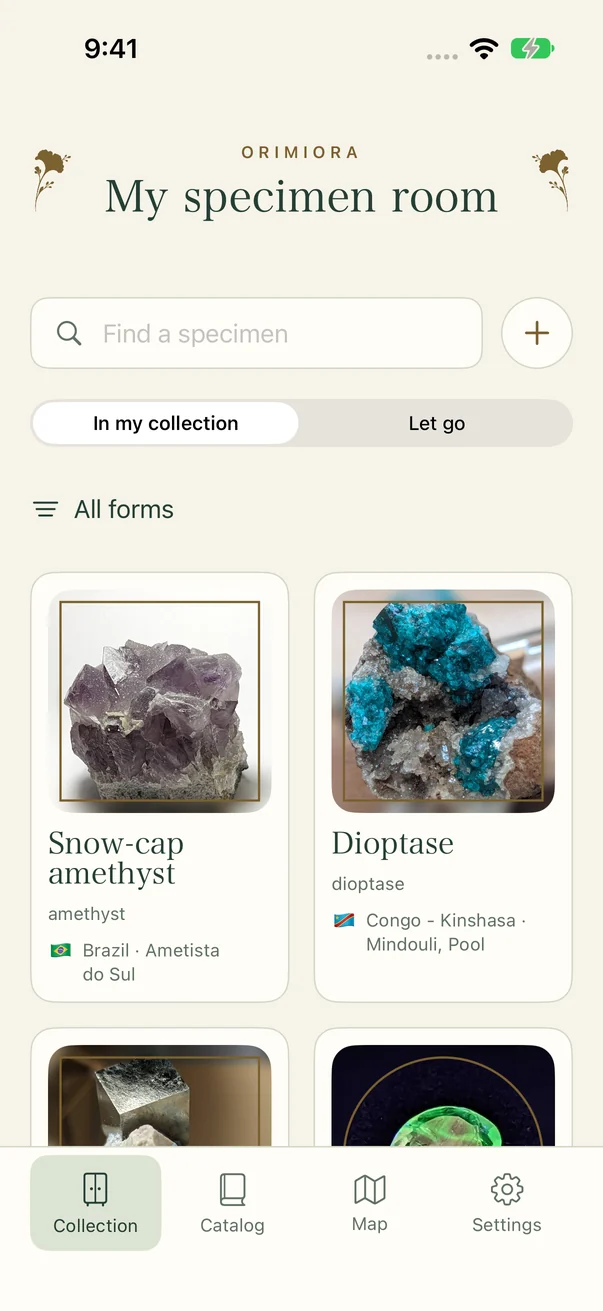
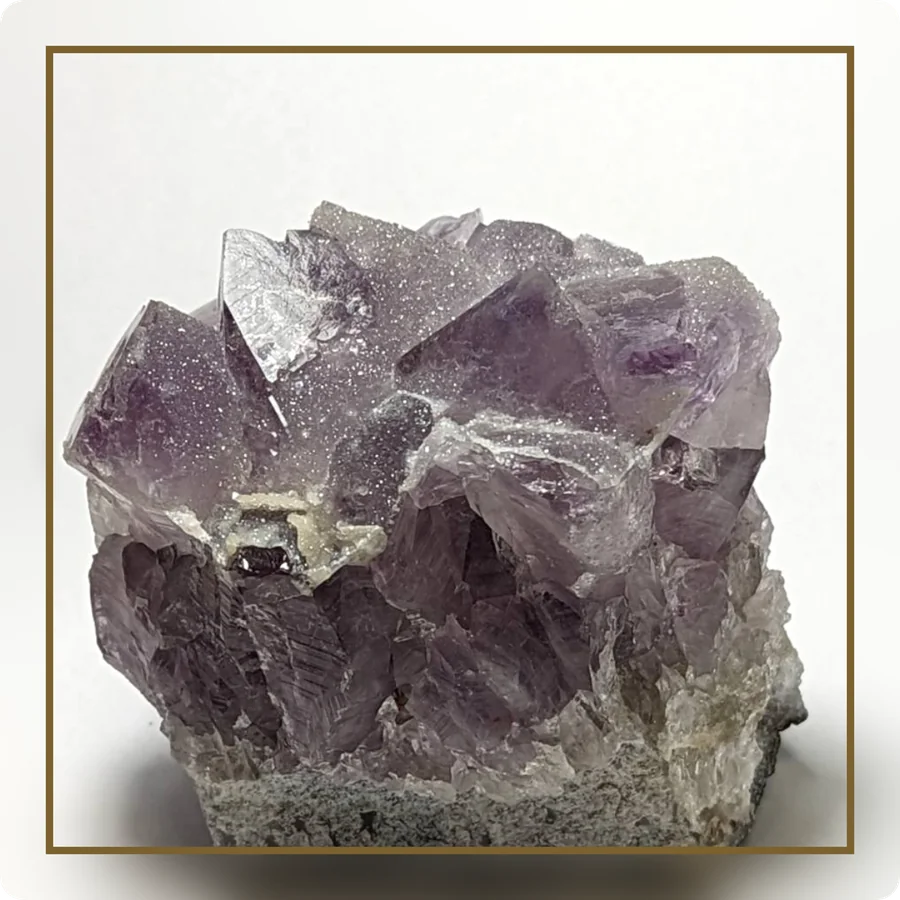
01 — RECORD
Where it formed. Where you found it. Keep those details alongside your photos, and make every look through your collection a little more meaningful.
02 — JOURNEY
From its origin, to the place you found it, and onward. Stone journeys bring the history you record onto a map, connecting your collection to the world.
Brazil (origin) → Yokohama (purchase)
→ Sagamihara (stay) → Kyoto (arrival)
An actual shared video exported from the app using owner-provided history. In-app journeys use Apple Maps; shared videos use the credited map datasets.
Map: Natural Earth / MLIT (2025), Kyodo News · Cities: GeoNames · CC BY 4.0. Map data converted and rendered by Orimiora.
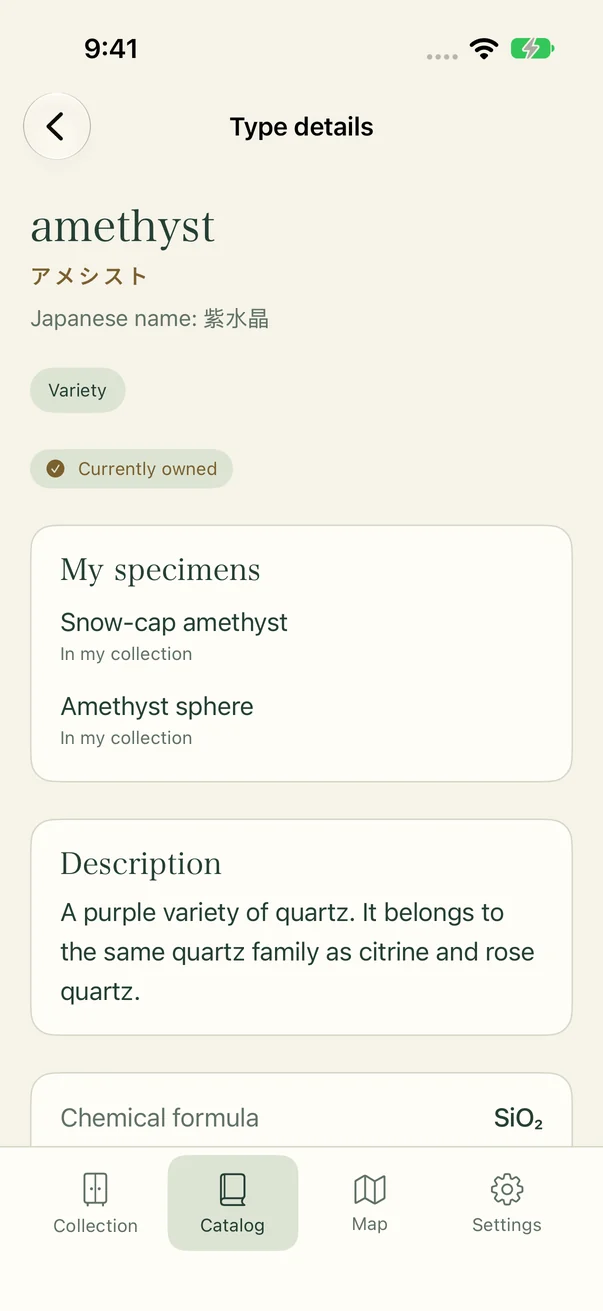
03 — DISCOVER
Look up names and properties in the catalog, then explore the specimens you own. Let each addition to your collection be the start of a new curiosity.
Explore the full guideMADE FOR YOUR COLLECTION
No account to create. Choose an external save destination on first launch, then start building your specimen room.
Records are stored on your device. Back them up to an independent folder, such as iCloud Drive, and check the save status in Settings.
Create images and videos to share. Purchase prices, home-prefecture settings, and moving history are excluded from public images and videos. Review the preview before sharing.
QUESTIONS & ANSWERS
Orimiora supports iPhone with iOS 18 or later and iPad with iPadOS 18 or later. You can switch between English and Japanese in the app.
Orimiora does not automatically identify or authenticate stones. It is a collection journal where you enter your own records and explore a reference catalog.
Choose an external destination on first launch. We recommend an independent folder, such as iCloud Drive, in case of app deletion or device failure. Check the latest save status under Record storage in Settings.
Yes. You can record countries and cities for origins and waypoints. The home location used as the final stop in a stone journey currently supports prefectures in Japan.
YOUR COLLECTION, YOUR STORY.
Start your own specimen room with Orimiora.
View on the App StoreiPhone & iPad · iOS / iPadOS 18 or later
Screens show an example collection with sample photos, specimen names, and origins.